
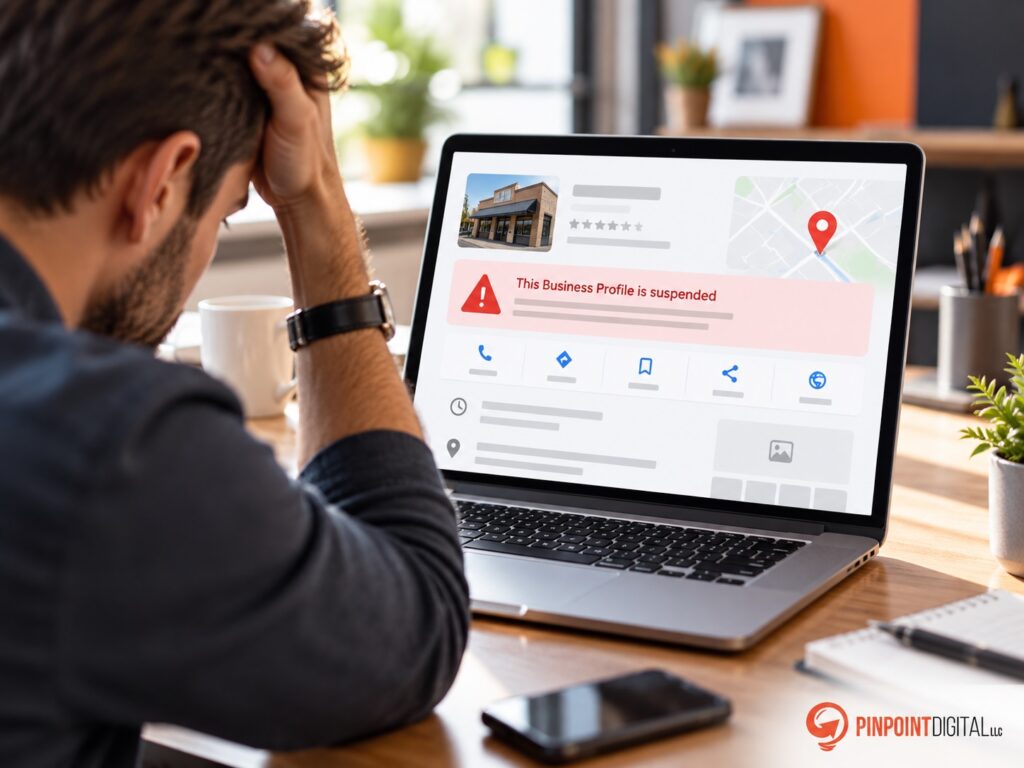
When a Google Business Profile is suspended, avoid submitting an appeal immediately. First, review the stated policy violation, confirm that the business qualifies for a profile, correct inaccurate business information, verify the address or service-area setup, and prepare supporting documentation. Google may allow evidence such as business registration, licenses, tax documents, and utility bills. Once the evidence form is opened, supporting evidence must be submitted within 60 minutes. Google also advises against creating a replacement profile while an appeal is under review.
At Pinpoint Digital, LLC, we treat a suspension as a compliance problem first and an appeal problem second. A rushed GBP suspension appeal can waste an important opportunity to show Google that the business is legitimate, accurately represented, and eligible.
Why Was My Google Business Profile Suspended?
A suspension means Google has restricted the profile because its systems or reviewers found a potential policy issue.
That does not automatically mean the business itself is illegitimate. Problems can come from how the business is represented online.
Common areas worth reviewing include:
- Business name
- Physical address
- Service-area configuration
- Primary and secondary categories
- Website and phone information
- Duplicate profiles
- Business eligibility
- Virtual office or mailbox use
- Differences between the profile and real-world branding
Google requires a Business Profile to accurately represent the real-world business. The business name should match how the company is known on signage, its website, stationery, and other branding. Adding unnecessary keywords or location terms to the name can violate the guidelines.
1. Read the Suspension Reason Before Changing Anything
When using Google’s appeals process, the appeals tool can display the restricted profile, the moderation reason, and a link to the policy involved.
Start there.
Avoid making random edits to see what triggers reinstatement. We recommend documenting the current profile first, then comparing each field against Google’s requirements.
That creates a cleaner path toward a successful GBP suspension appeal.
2. Check Whether the Business Is Eligible
A business generally needs either a customer-facing physical location or direct in-person contact with customers where services are delivered.
This becomes especially important for contractors, plumbers, landscapers, electricians, and other service businesses.
Google states that service-area businesses can have a profile even without a customer-facing storefront, but businesses that do not serve customers at their address should generally hide that address and use service areas instead.
3. Audit the Business Address
Address problems deserve extra attention when a Google business is suspended.
Google does not allow businesses to use a virtual office simply to establish a Business Profile. A co-working location also has requirements involving signage, customer access, and staffing. Businesses displaying an address should operate from a genuine eligible location.
For a home-based contractor that visits customers, the correct setup may be a service-area profile with the home address hidden.
Before appealing, confirm that the address shown on Google matches how the business actually operates.
4. Remove Keyword Stuffing From the Business Name
A Business Profile name is not an SEO title.
For example, a company legally operating as:
Smith Plumbing
should not automatically become:
Smith Plumbing | Best Emergency Plumber Hartford CT
just to gain additional keywords.
Google specifically states that unnecessary information in the business name is not permitted and can lead to suspension.
At Pinpoint Digital, we prefer building local relevance through the website, service pages, citations, content, reviews, and proper Google Business Profile optimization rather than forcing keywords into restricted fields.
Our guide to How to Dominate the Google Local Pack in 2026 explains how those signals work together.
5. Make Sure NAP Information Matches
Before trying to reinstate a Google Business Profile, compare the company name, address, and phone number across:
- The company website
- Google Business Profile
- Major directories
- Business registration documents
- Licensing records
- Utility accounts
Google recommends that evidence submitted with an appeal show a business name and address matching the profile being appealed.
Conflicting business data can make an already complicated suspension harder to resolve.
Pinpoint Digital also provides digital marketing and local SEO services focused on creating consistent local search signals across websites, listings, and Google Business Profiles.
6. Prepare Appeal Evidence Before Starting
Do not wait until the appeal form is open to search for documents.
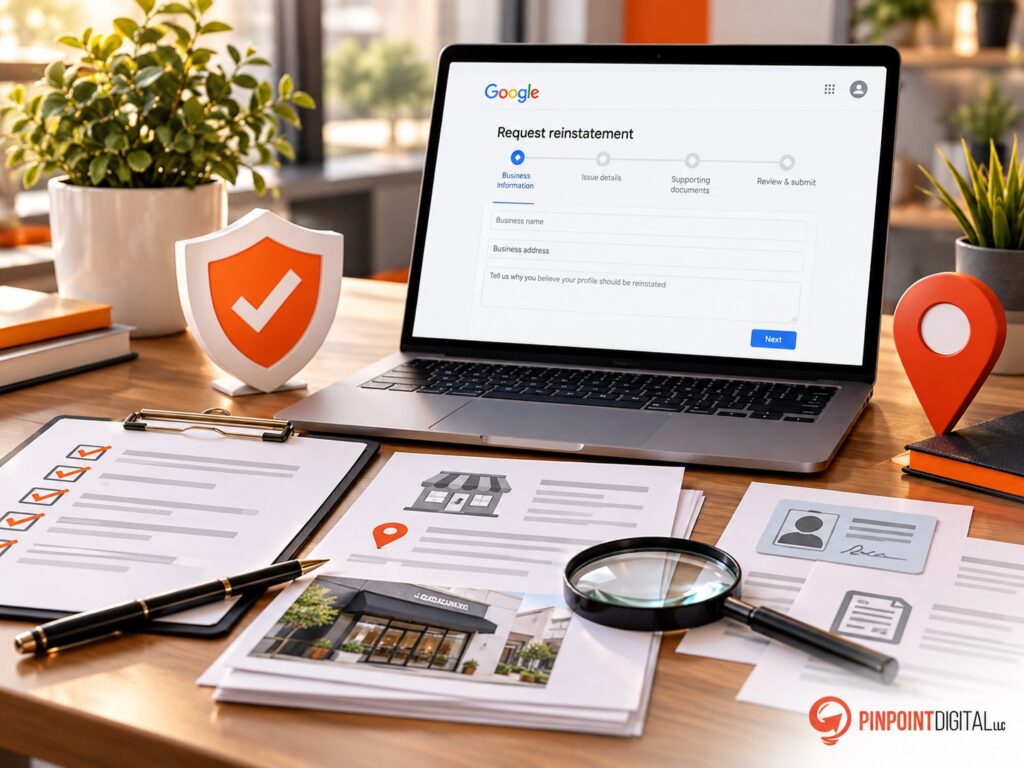
Google lists several examples of useful evidence:
- Official business registration
- Business license
- Tax certificate
- Electricity bill
- Phone bill
- Water bill
- Internet bill
The documents should support the actual business name and address represented by the profile.
The critical detail is timing. If Google presents the evidence form, the supporting evidence must be submitted within 60 minutes after opening that form.
Have everything ready first.
7. Submit One Clear Appeal
Once the profile complies with Google’s guidelines and the documentation is organized, submit the appeal through the official appeals tool.
Do not create another profile for the same business while the appeal is being reviewed. Google specifically warns against doing so.
Google also advises against submitting multiple appeals for the same issue before receiving a decision. Appeal status can be checked within the appeals tool.
Our goal is to submit one strong, well-supported case rather than several rushed attempts.
Before You Try to Reinstate a Google Business Profile
When a Google Business Profile is suspended, the best first move is not clicking the appeal button.
Review the business model, address, name, categories, website, citations, and documentation first. Correct actual policy problems, gather evidence, and make sure every piece of information tells the same story.
At Pinpoint Digital, LLC, we approach Google Business Profile recovery as part of a broader local SEO strategy. A compliant profile supported by consistent business information creates a much stronger foundation for long-term Map Pack visibility.